




Choose TVs and Audio Around Your Content and Venue
TV rental starts with more than screen size, while sound system rental depends on the programme and audio source. These four uses help your team define a brief before comparing the published models.
Meetings and Presentations
Start with slides, video or meeting information, then describe your playback device and seating layout. When comparing 43-inch and 55-inch models, consider text size, viewing positions and required inputs together.
Exhibition and Product Content
For a planned product video or information display at a booth, identify the screen position, available space and content source. Compare the 70-inch Xiaomi EA70 and 100-inch Xiaomi Smart Display Max 100 for a larger-screen brief, subject to the actual venue arrangements.
Event Information and Touch Content
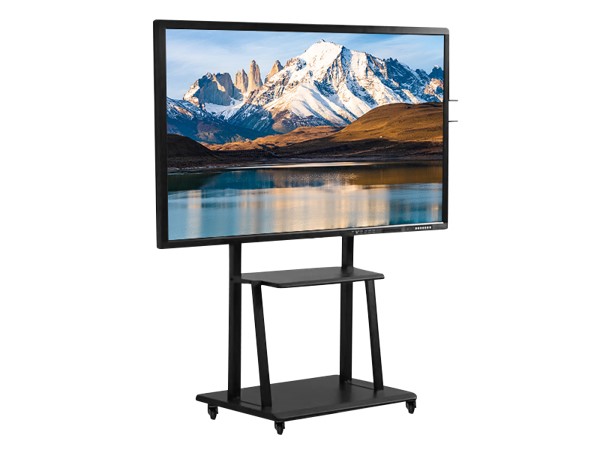
Information playback and touch operation are different requirements. If visitors need to operate content on the screen, review the 55-inch YC550A touch screen and share the application, interaction flow and source device before discussing arrangements.
Speech and Audio Playback Planning
Describe whether the programme involves speech, video sound or music playback, then compare the Yamaha STAGEPAS 1K mkII portable PA system and RS-E-001 portable speaker. Discuss the venue layout, audio source and connection needs together.
Three Groups of TV, Touch Screen and Audio Rentals
Browse nine items for standard displays, large-screen or touch content, and audio playback. Open the selected model for its rental details.
43-inch & 55-inch TV Rental
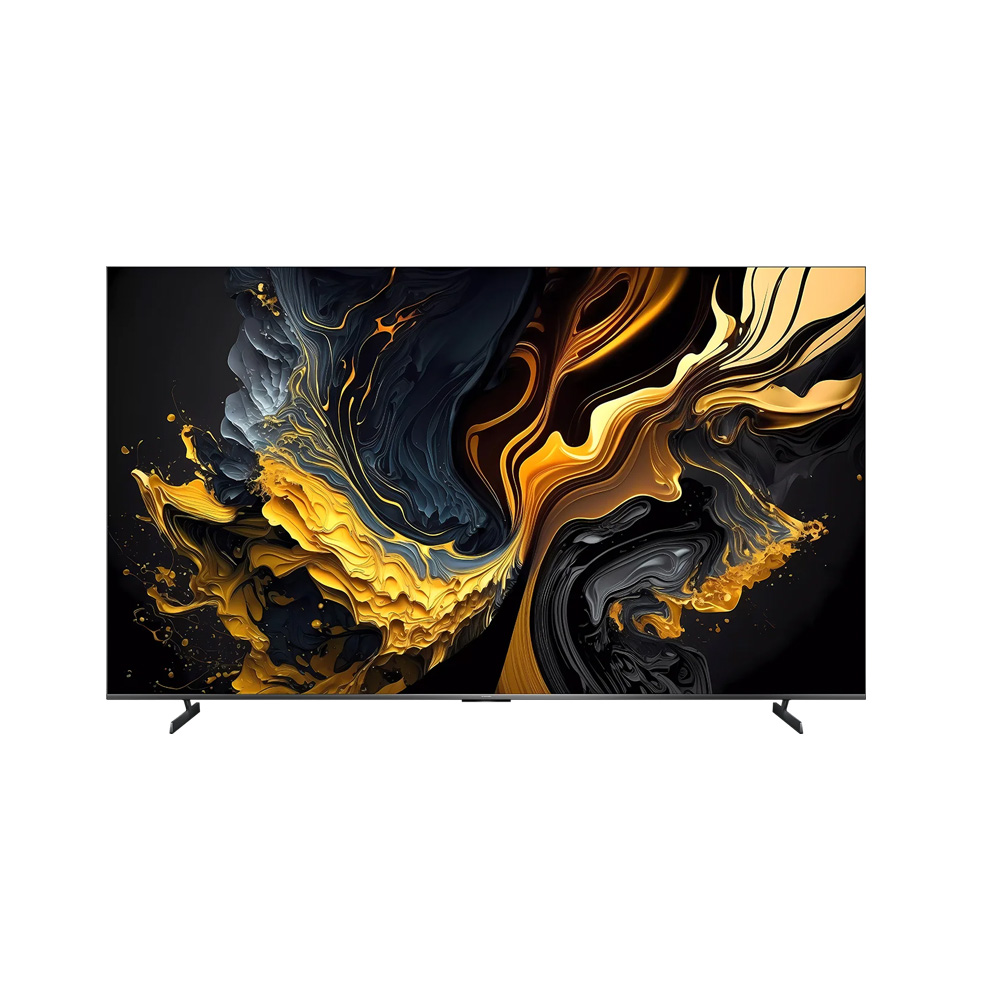
Compare TCL, Xiaomi and Samsung TVs around your stand space and display content.


Large Screens & Touch Screen Rental
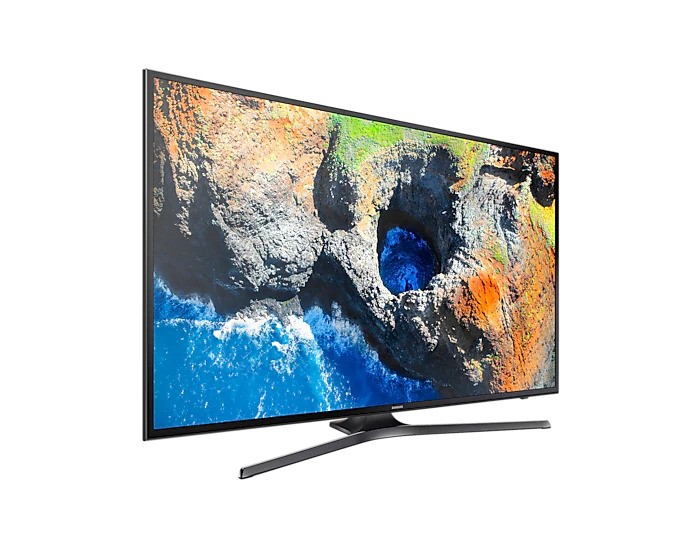
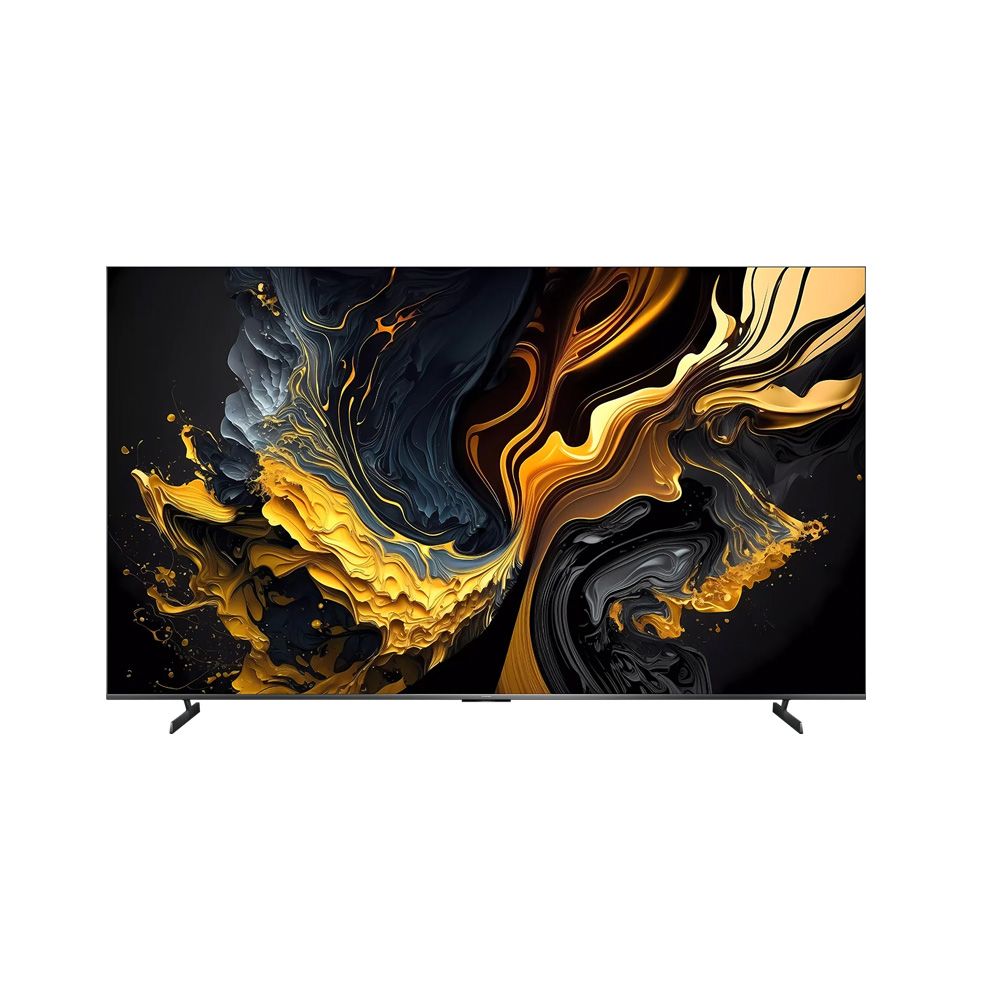
Explore 70-inch and 100-inch screens, or a 55-inch touch screen when your brief needs interaction.

Sound System & Speaker Rental
Discuss a PA system or portable speaker around your presenters, playback content and venue layout.


Compare the Actual Rental Models
For a 43-inch to 55-inch display brief, review the TCL P735, Xiaomi EA55, Samsung MU6300 Series 6 and Samsung QM55R-A. These items are listed with 4K or 4K UHD resolution. Distinguish the 55-inch models by their model details and connection requirements, not by treating them as different screen sizes. The QM55R-A listing includes HDMI and DisplayPort inputs to check against your source device.
For a larger-screen comparison, review the 70-inch Xiaomi EA70 and 100-inch QLED Xiaomi Smart Display Max 100. If touch operation is the priority, review the 55-inch YC550A, listed with 4K resolution. Measure the proposed position and access route, then include your playback or interactive content in the enquiry.
Start an audio comparison with the source: the Yamaha STAGEPAS 1K mkII has a five-channel digital mixer and Bluetooth input, while the RS-E-001 portable speaker listing includes Bluetooth, USB and SD card inputs. Share the speech or playback content, venue and operating-team arrangements before discussing equipment and support.
TV and Audio Hire With the Support You Need
Rental arrangements can include optional delivery, collection, installation and technical support around the equipment and event brief. These additional services carry extra charges; share the models, dates and venue details so we can discuss the scope and quotation together.
TV and Display Rental
Compare the TCL P735, Xiaomi EA55, Samsung MU6300 Series 6 and Samsung QM55R-A. Define the brief around the 43-inch or 55-inch-class screen, planned content and source inputs, keeping the brand, model and rental code clear.
70-inch and 100-inch TV Rental
Review the Xiaomi EA70 and Xiaomi Smart Display Max 100 against the available space and content. Share the proposed position, access route and playback device to enquire about delivery and installation requirements.
YC550A Touch Screen Rental
The 55-inch YC550A is the touch screen item on this page. For an interactive display brief, describe the application, operating flow and source device first. Software, accessories and connection arrangements need separate confirmation.
PA System and Speaker Rental
Compare the Yamaha STAGEPAS 1K mkII and RS-E-001 portable speaker. Describe the speech or playback content, audio sources and venue layout to discuss equipment positions, connections and the support needed.
Delivery and Collection at Extra Cost
Delivery and collection can be added to the rental at an additional charge. Provide the address, loading area, floor, lift details and access windows so fees and handover arrangements can be confirmed.
Installation and Technical Support at Extra Cost
Enquire about installation and technical support according to your needs; these services carry additional charges. Identify the playback device, inputs and on-site contact so the setup, connection checks and support scope can be stated in the quotation.
Six Practical Details to Confirm Before Rental
Bring equipment, content and venue information into one brief to discuss the rental scope. Use these six areas to prepare an enquiry.
Screen Size and Placement Space
Describe the proposed position, available width and viewing positions before comparing the published 43-inch, 55-inch, 70-inch or 100-inch items. Confirm body dimensions and installation arrangements for the selected model rather than relying on diagonal size alone.
Content and Source Connections
Describe the slides, video or event information and your playback device's output. Check HDMI, DisplayPort or other required inputs against the item listing; confirm cables and adapters separately.
Touch Content and Operating Flow
For the YC550A, share the interactive content, operating flow and application details to discuss connections, testing and operator arrangements. Identify software and accessories around the content requirements in the agreed scope.
Audio Content and Connections
List the speech or audio playback requirements, source devices and proposed equipment positions. When comparing a PA system with a portable speaker, confirm connections against the venue conditions and check accessories and service scope separately.
Venue Access and Power Arrangements
Provide doorway, route, lift and loading details, particularly for larger screens. Explain the power arrangements at the proposed position and venue rules, then confirm which team handles each requirement.
Dates, Handover and Additional Service Fees
Specify use dates, handover windows and the on-site contact. Delivery, collection, installation and technical support carry extra charges, so confirm these fees alongside the equipment and rental arrangements.
From Equipment Brief to Handover
These five steps organise the enquiry and scope confirmation. The specific rental and service arrangements remain subject to agreement.
1. Share the Event and Venue Brief
Provide dates, address, intended use, content and budget range. Explain whether you need TVs, a touch screen or audio, and identify the playback devices your team already has.
2. Compare Models and Connections
Compare the published equipment by screen size, touch requirements or audio source. Keep model names and rental codes clear while checking required inputs, placement space and accessories that need confirmation.
3. Confirm Rental and Service Fees
Confirm selected equipment, use dates, handover method and required support. State the additional fees for delivery, collection, installation and technical support clearly; these services are not automatically included in equipment hire.
4. Arrange the Agreed Handover and Setup
Coordinate handover around the agreed windows, venue access and named contact. Where installation or technical support has been arranged separately, follow the agreed scope for positioning, connections and operating handover.
5. Return the Equipment After Use
Return equipment by the agreed method and time, checking the equipment and any agreed accessories. If paid collection has been arranged, retain an on-site contact and confirm the access window.
TV and Sound System Rental Hong Kong: Common Questions
Should our booth use a 55-inch, 70-inch or 100-inch screen?
Start with your content and viewing positions. Product videos, presentation text and viewing from farther away create different screen-size needs, while the booth must also allow space for placement. Share the booth dimensions, proposed screen position and a content sample so we can compare the listed 55-inch, 70-inch and 100-inch models.
What should we consider at the venue for a 100-inch TV?
Look beyond the screen position to loading access, doorways, corridors and lifts along the delivery route. Share a venue plan, proposed position and access windows so we can discuss delivery and installation around the Xiaomi Smart Display Max 100 dimensions.
Which rental suits a touch-operated product presentation?
Start with the 55-inch YC550A touch screen (RS-A-007). Tell us what visitors will view, how they will interact and which device runs the application. We can discuss connections and content testing, with software, stands and any required accessories specified in the rental scope.
How should we choose audio for presentations and video playback?
The Yamaha STAGEPAS 1K mkII has a five-channel digital mixer and Bluetooth input; the RS-E-001 portable speaker lists Bluetooth, USB and SD card inputs. Share the presenter arrangements, audio sources and venue layout to compare a PA system with a portable speaker, then identify any microphones and connections your brief needs.
Can our existing laptop and video content work with a rental screen?
Share the laptop or player output and the slides, video or interactive content you intend to use. Inputs vary by model: the Samsung QM55R-A listing includes HDMI and DisplayPort. We can discuss cables, adapters and testing for the selected equipment, with the required accessories identified in the quotation.
How are delivery, collection, installation and technical support arranged?
These services can be arranged as required and carry additional charges. Share the venue address and access windows, then identify the delivery, installation, connection or technical support you need. We can separate equipment hire from additional services so the scope and fees are clear.
How can we arrange event-day support or report an equipment problem?
Describe the event programme, playback device and on-site contact when enquiring so we can discuss the technical support required. If a problem arises during use, contact us with the model, issue and connection details. The team can then follow up on support and any substitute-equipment arrangements according to the situation.
Can we enquire with only an initial budget and event date?
Yes. Share the dates, venue, display or speech requirements and a budget range, together with the sizes or models you are considering. We can compare equipment choices and discuss hire, delivery and support separately. If the screen size is still undecided, a venue plan and content sample are useful starting points.
Let's Define Your TV and Audio Rental Brief
Tell us your event dates, venue, content, source inputs and preferred model, together with any delivery, collection, installation or technical support requirements. Reliable Partner Co. Ltd. can discuss the rental scope and additional service charges. You can also call +852 2865 6009 or email [email protected].
 Premium Gift Categories


